MiniCity In development for macOS

Build a city without a degree in civil engineering.

MiniCity is a balanced and approachable city-building simulation for the Mac, inspired by the 1989 classic, SimCity.
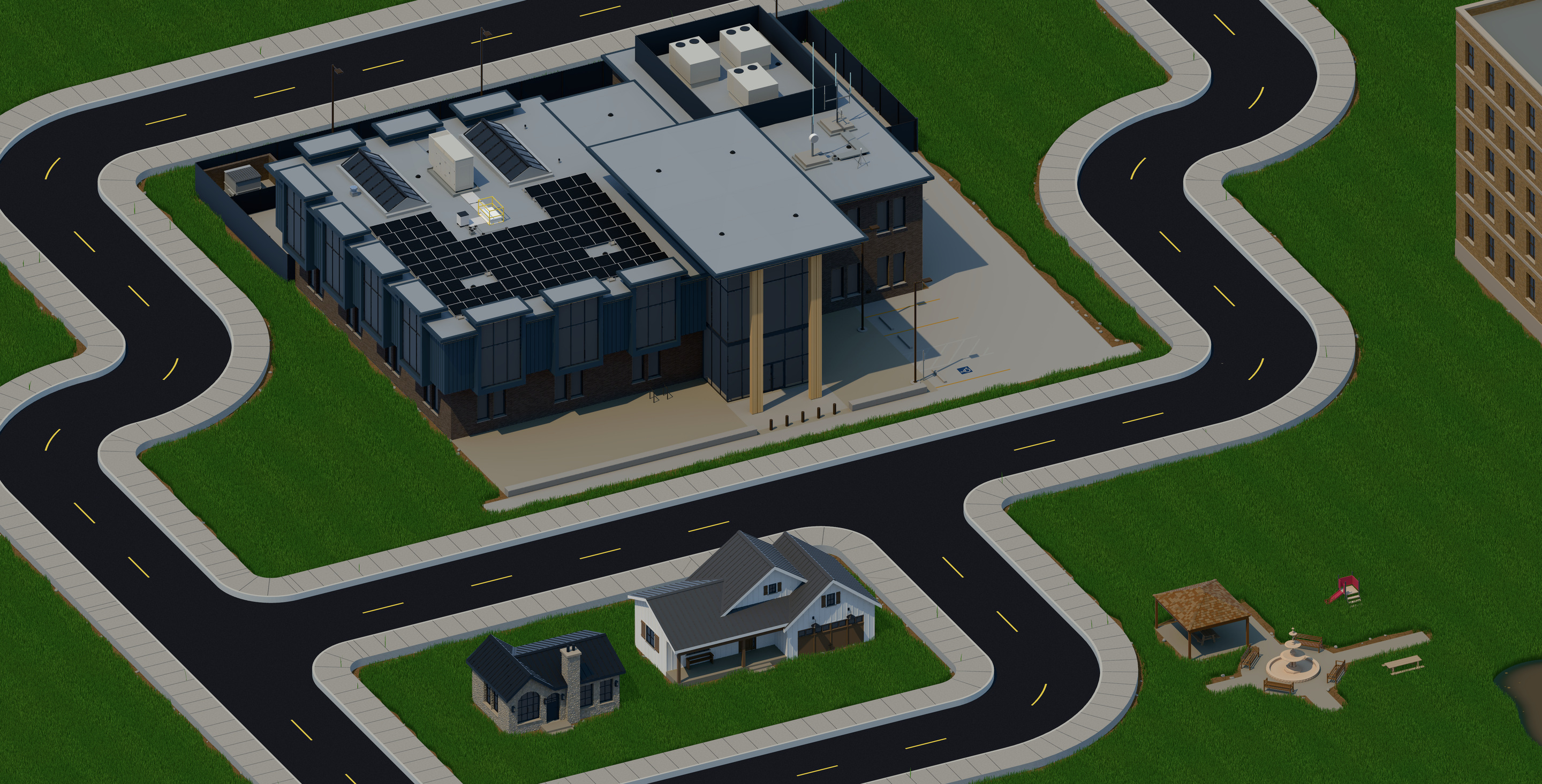
A public building with solar panels on its roof, two houses and a small park with a fountain, set among curving streets and lawns.
Streets, houses, a park and a public building. All of it is MiniCity's own art, drawn with Metal 4.

The game

The emphasis is on the fun and excitement of building a city. There are no overwhelming mechanics and no individual characters to manage.

Generate the terrain. Zone land for homes, shops and industry. Lay roads, rail and power lines. Set the tax rates and the budgets. Then watch the city grow or fail by its own logic.
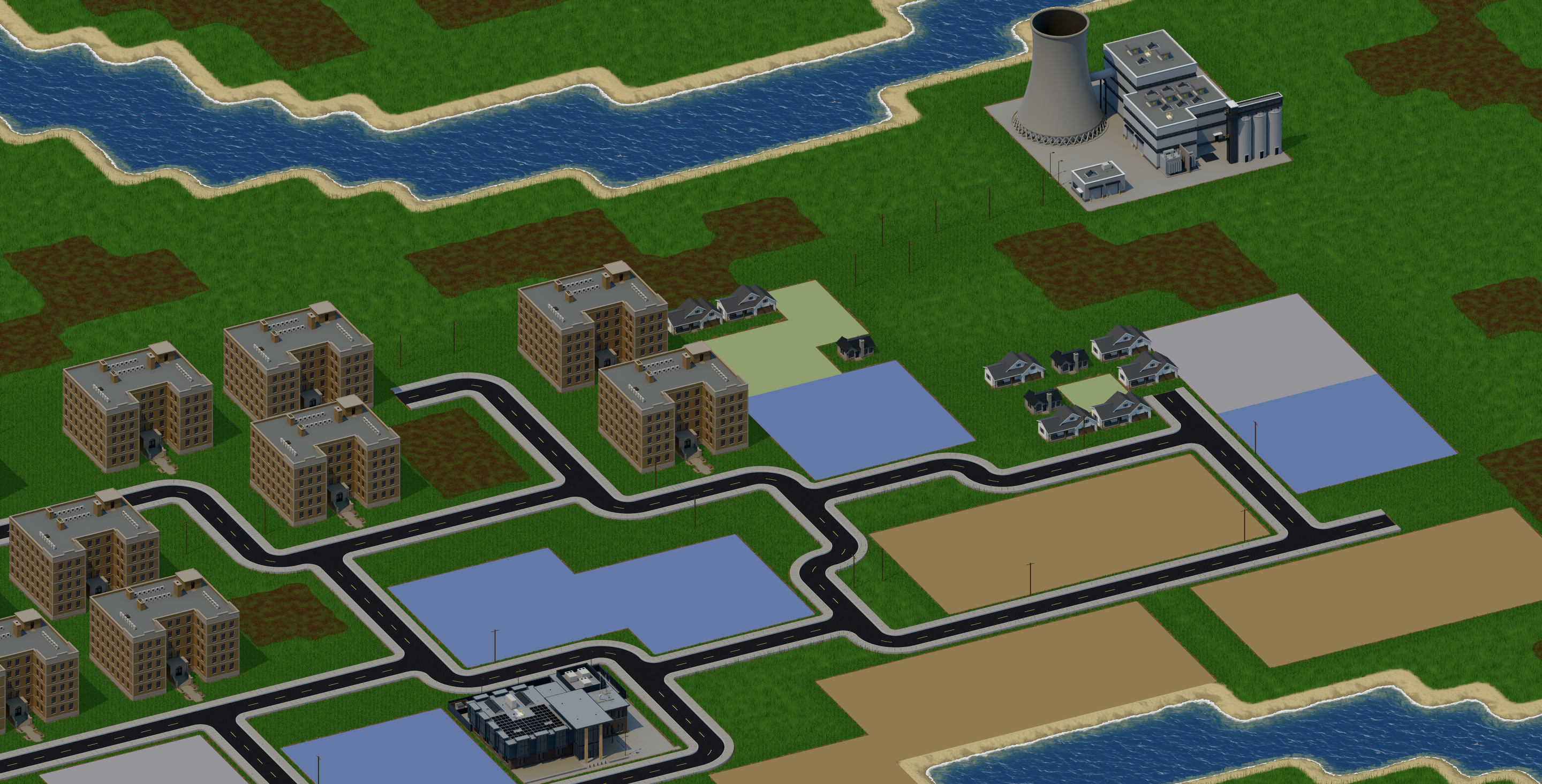
A young town beside a river: apartment blocks, a few houses, coloured blocks of zoned land, a public building and a power plant with a cooling tower.
A young town. Apartment blocks and houses have gone up, more land is zoned and waiting, and the power plant feeds it all.
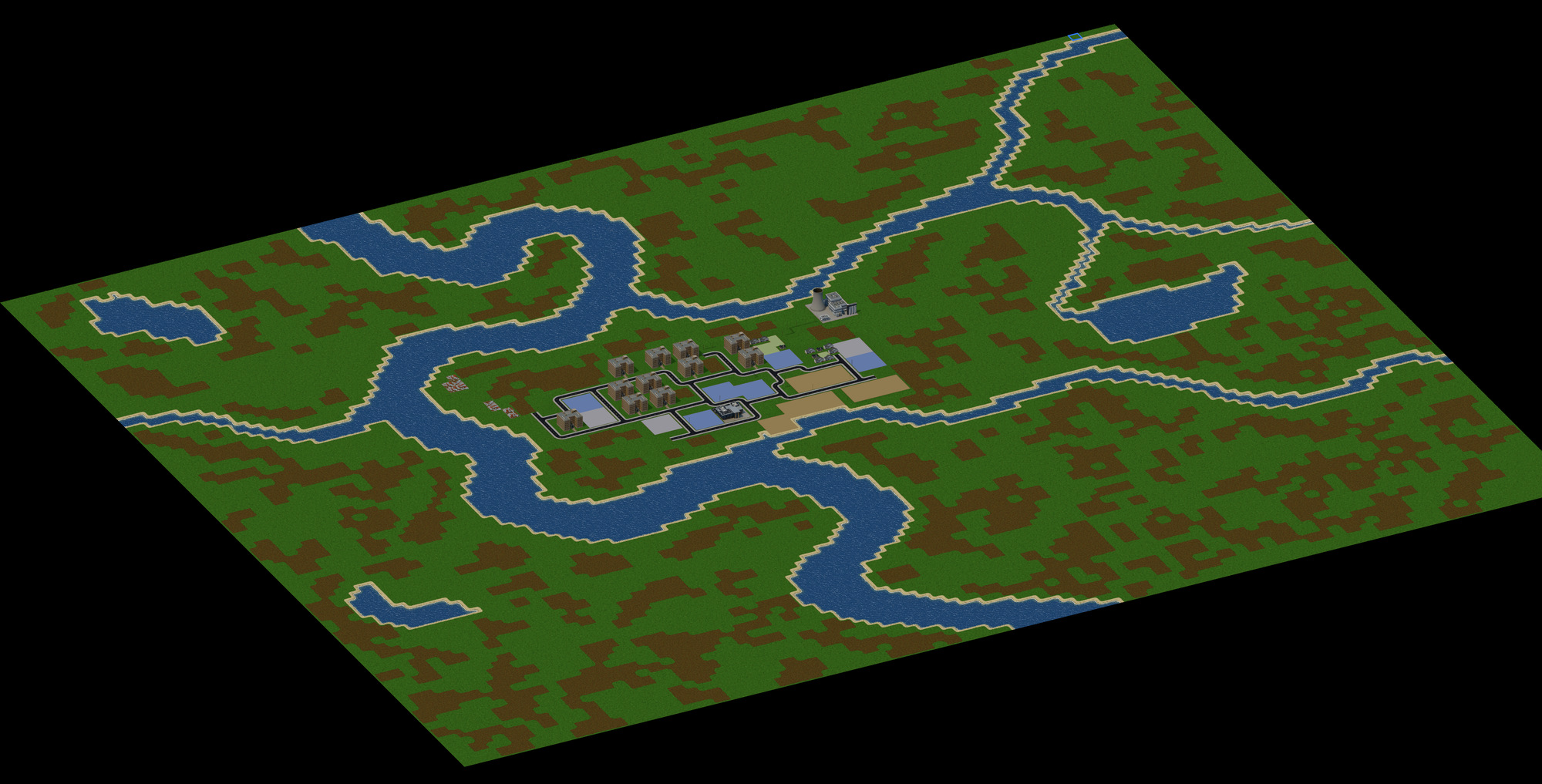
The whole map seen from far above: rivers winding through grass and soil, with a small town at the centre.
Generated terrain, with a first settlement at its centre.
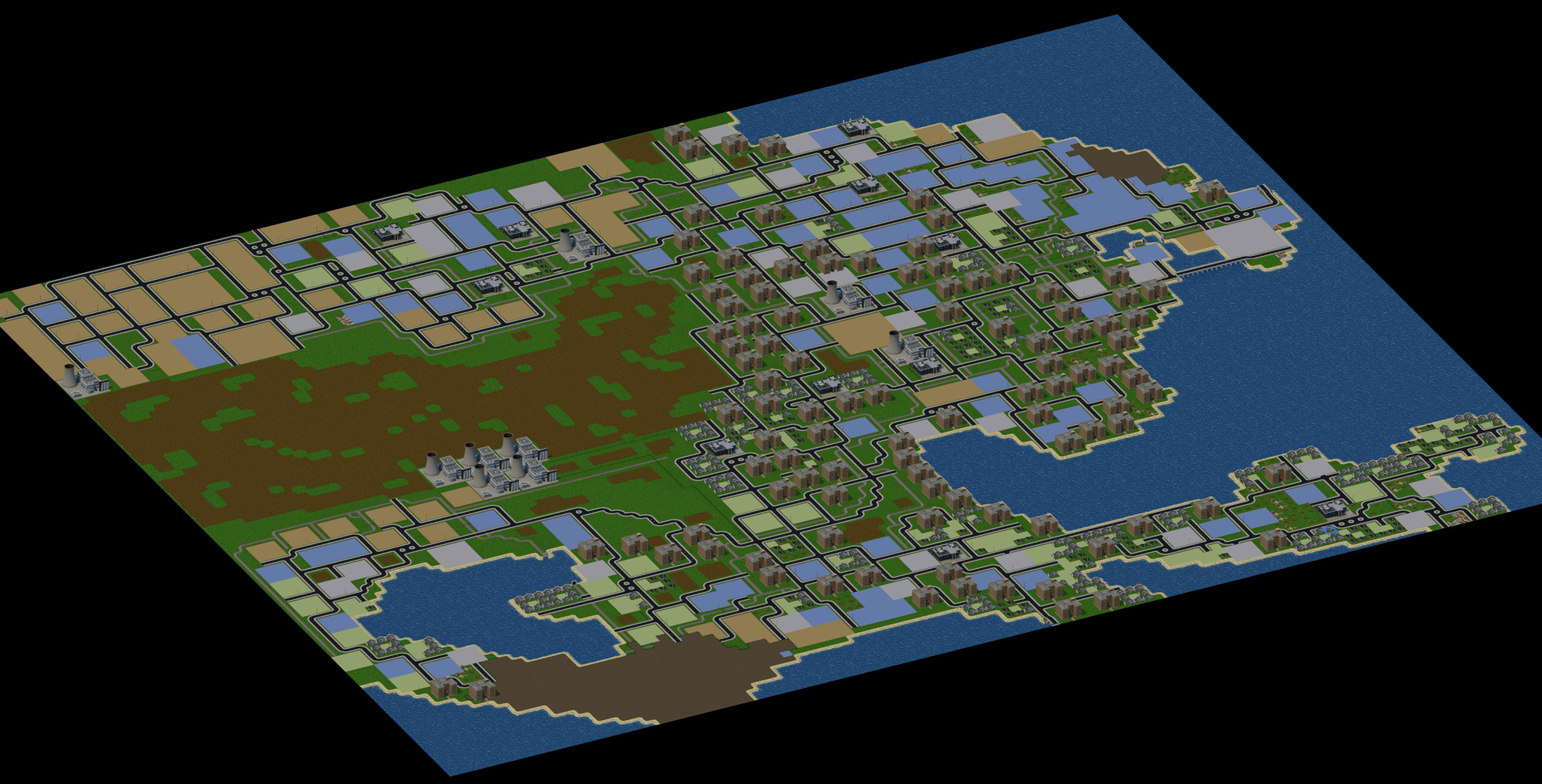
The whole map seen from far above, now covered by a large city along a coastline.
A city of more than 100,000 people, seen whole.

Read the city

MiniCity shows you how the city is doing in the city itself. Pollution, crime, fire, property values and funding levels appear as realistic cues on the map. Your strategy comes from looking at your city, not from studying charts and graphs.

The game sets these looks itself, moment by moment, from what is happening in the city. Each row below is one place, drawn three ways.
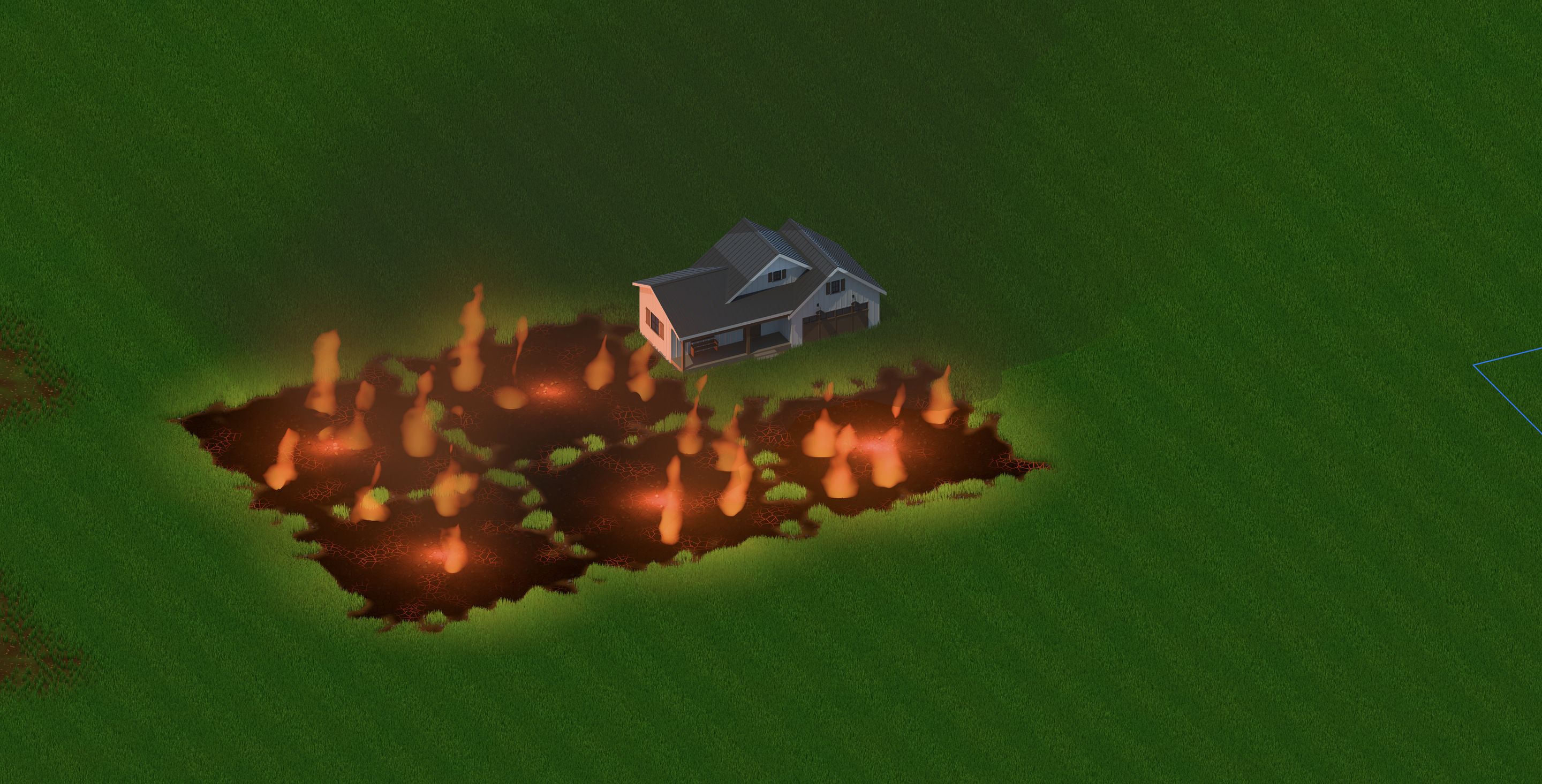
A fire burning across scorched ground at night, its glow lighting the lawn and the side of a house.
A fire closes in on a house.
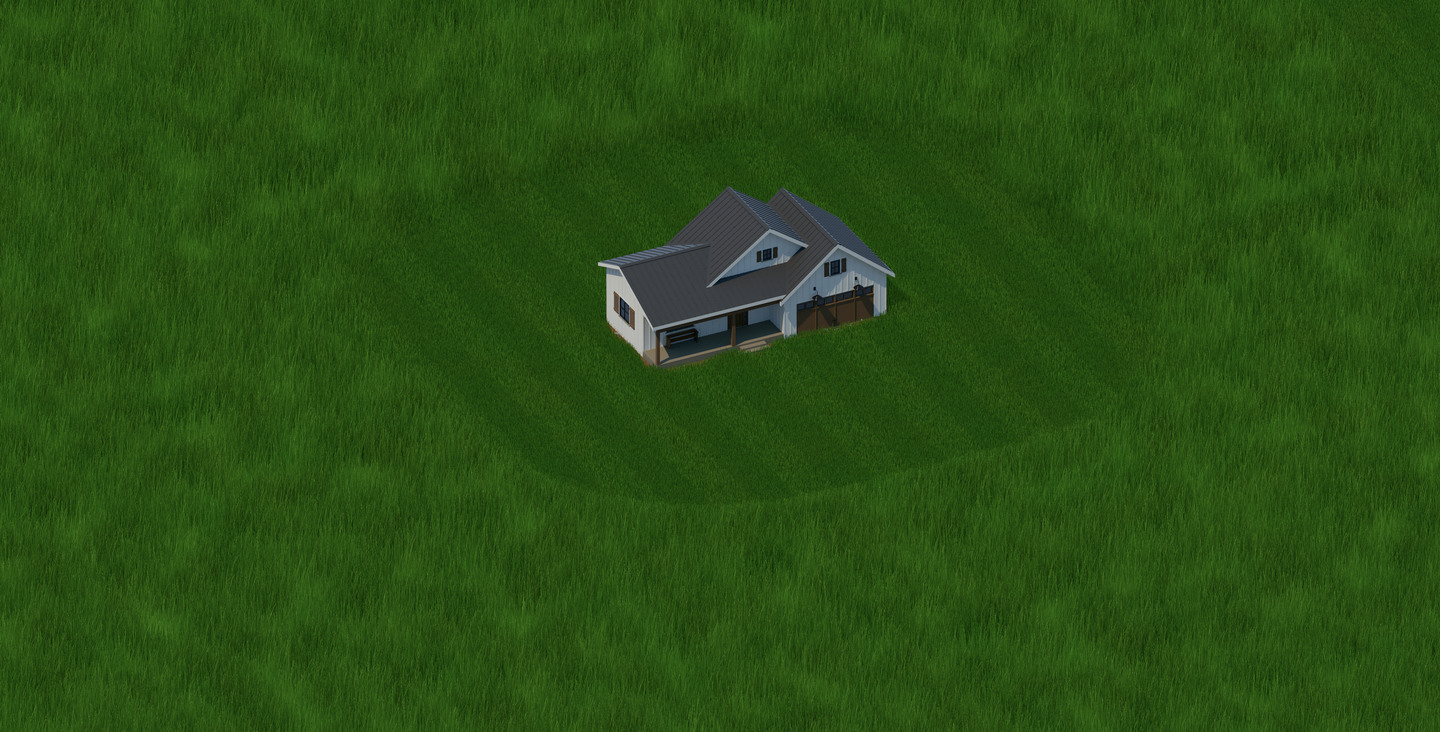
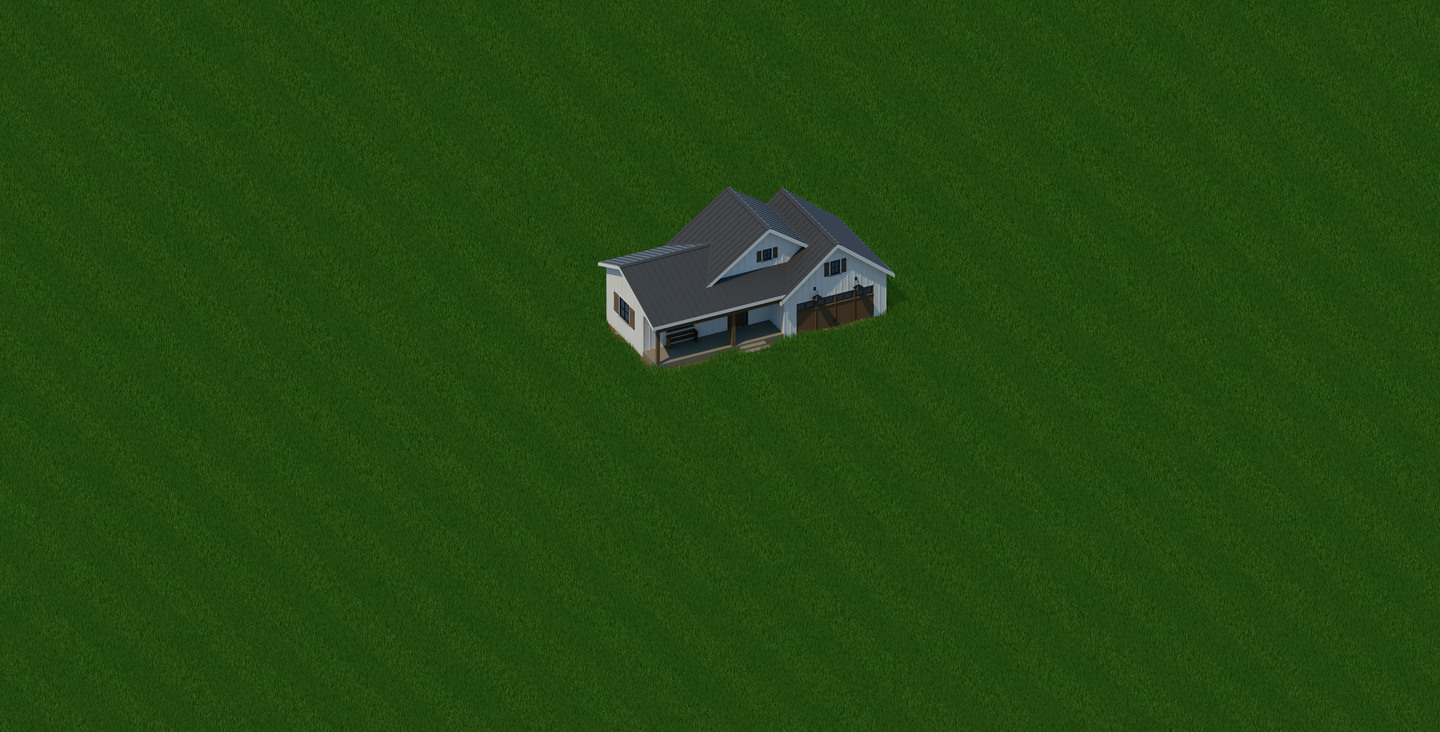
A house on a short, even lawn.
Where land is valued, the lawn is kept mown.
The same house in long grass, with a mown ring around it.
Where it is valued less, the grass grows long, mown only around the house.
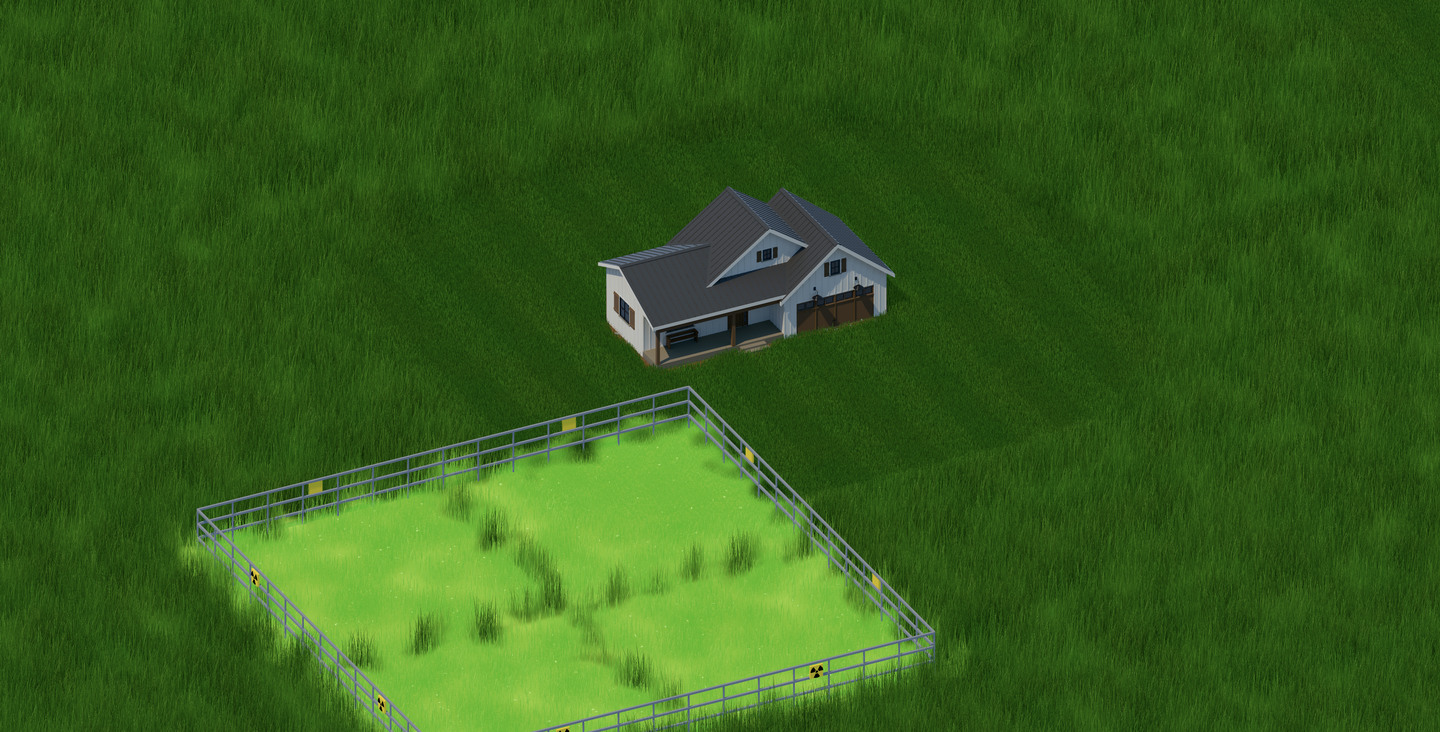
The same house with a fenced plot of bright green ground beside it, marked with radiation signs.
A radiation zone beside it, fenced and signed.
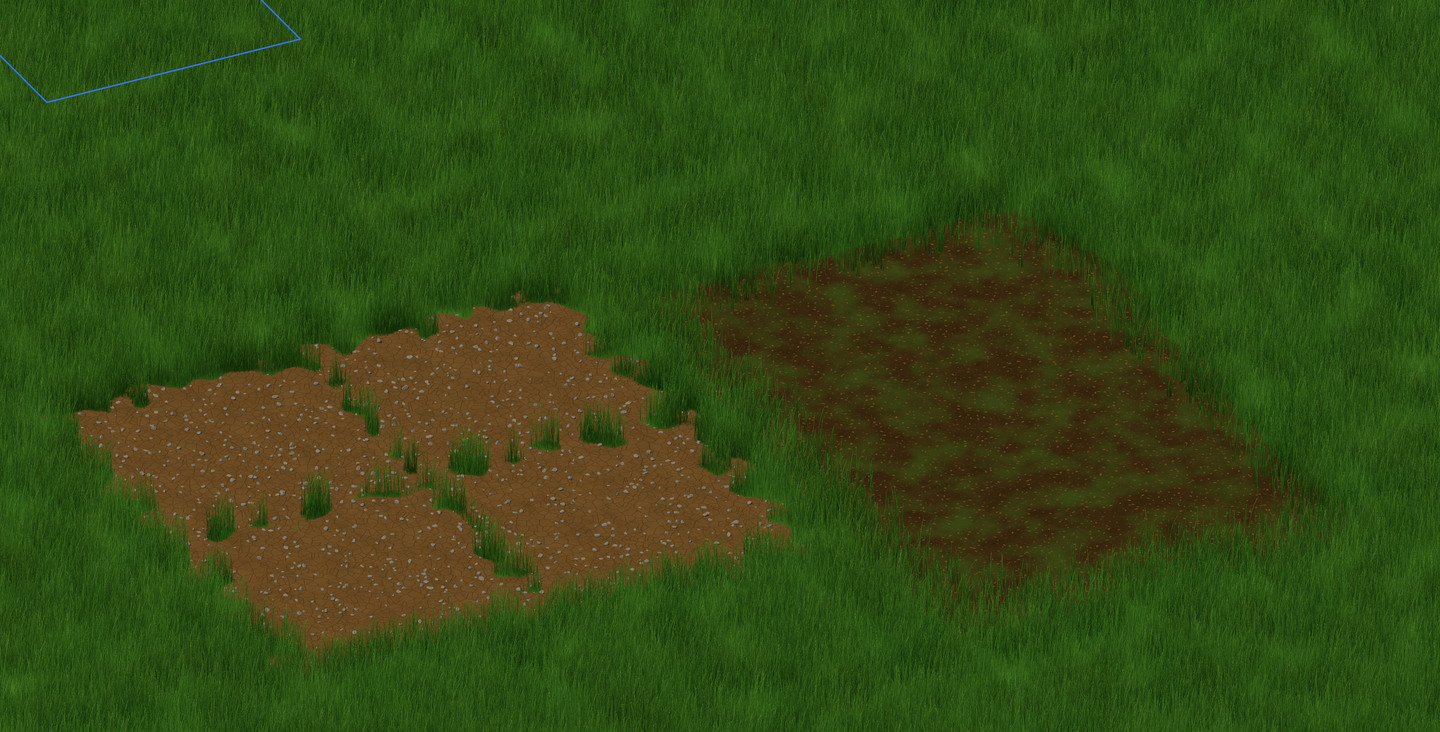
Grass with one patch of dry, stony soil and one patch of damp soil.
Healthy grass, with a patch of dry soil and a patch of damp soil.
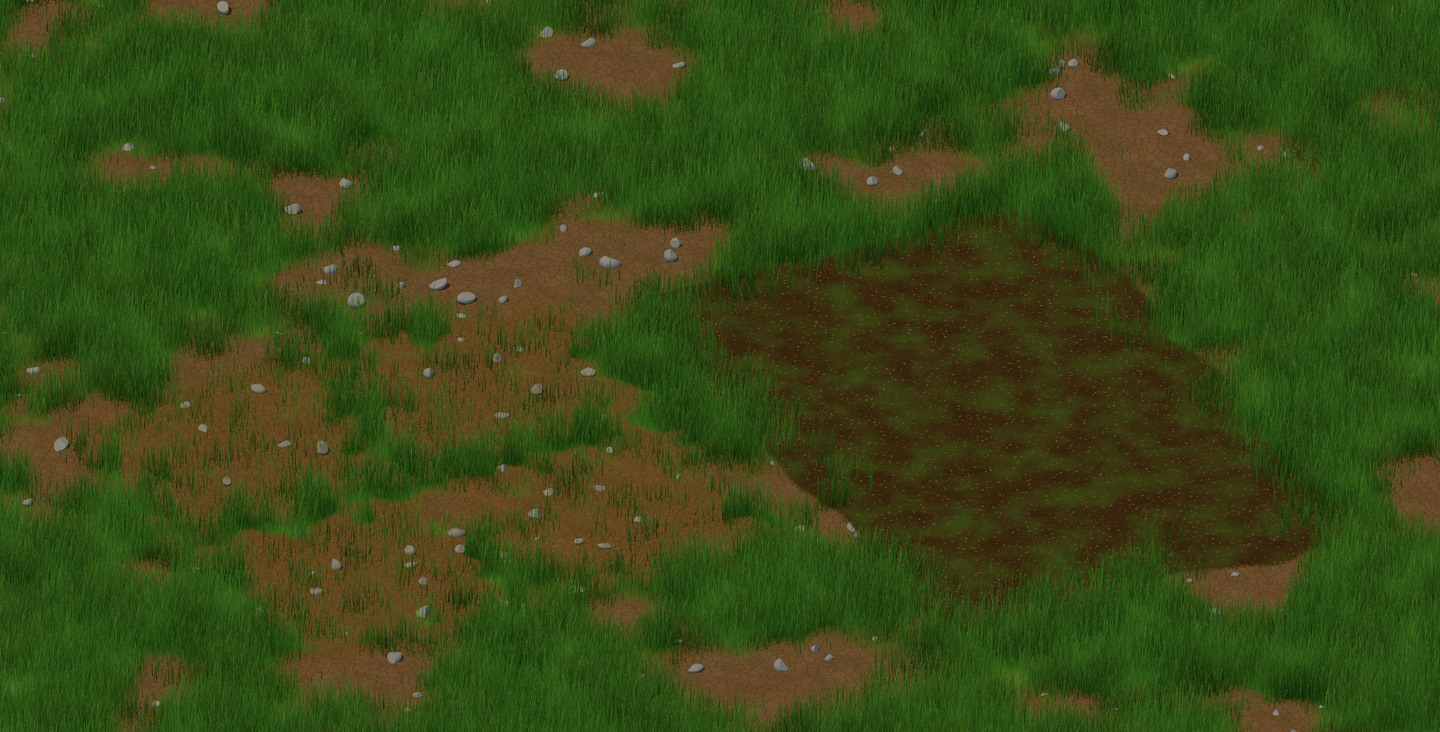
The same ground with bare earth and stones showing through the grass in many places.
The same ground, worn bare in places.
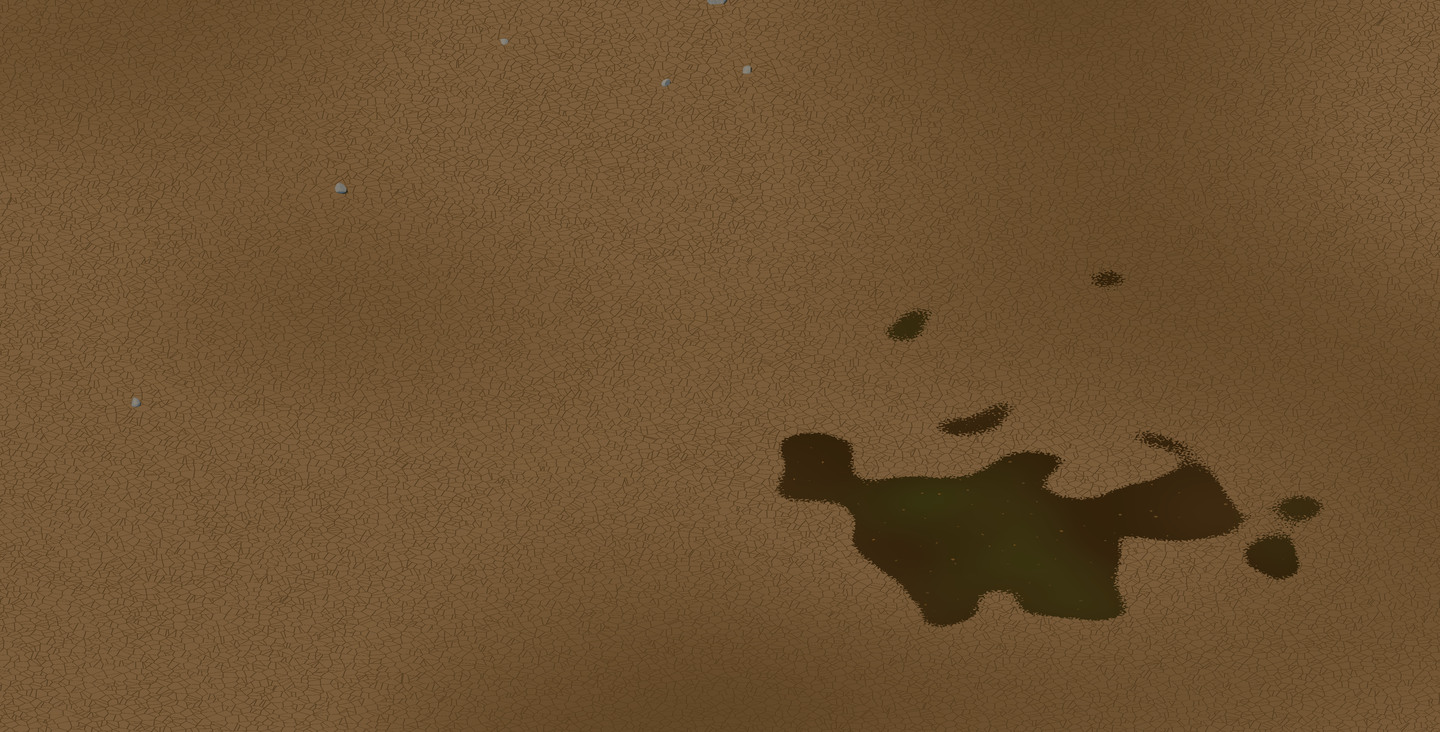
The same ground as dry, cracked earth with a few stones and one dark damp patch.
The same ground as dry, cracked earth.
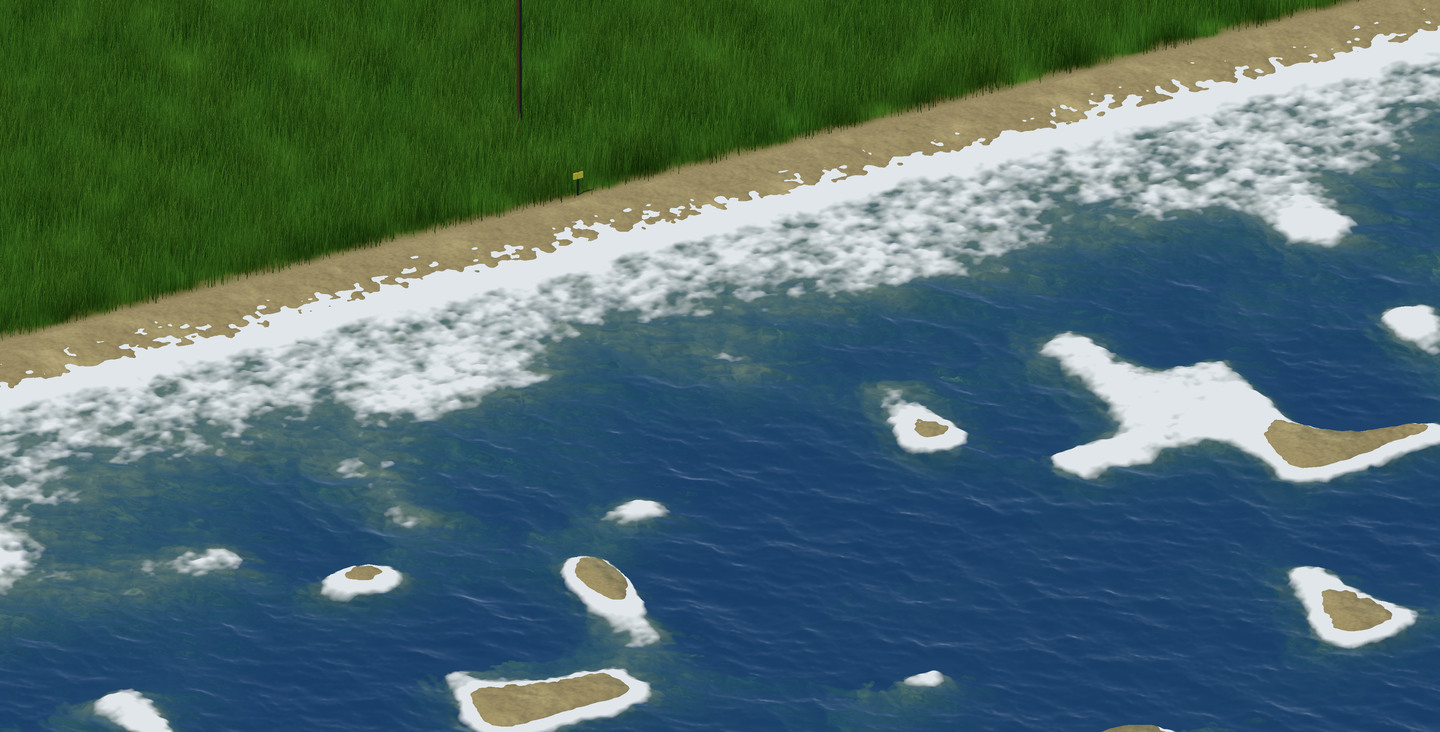
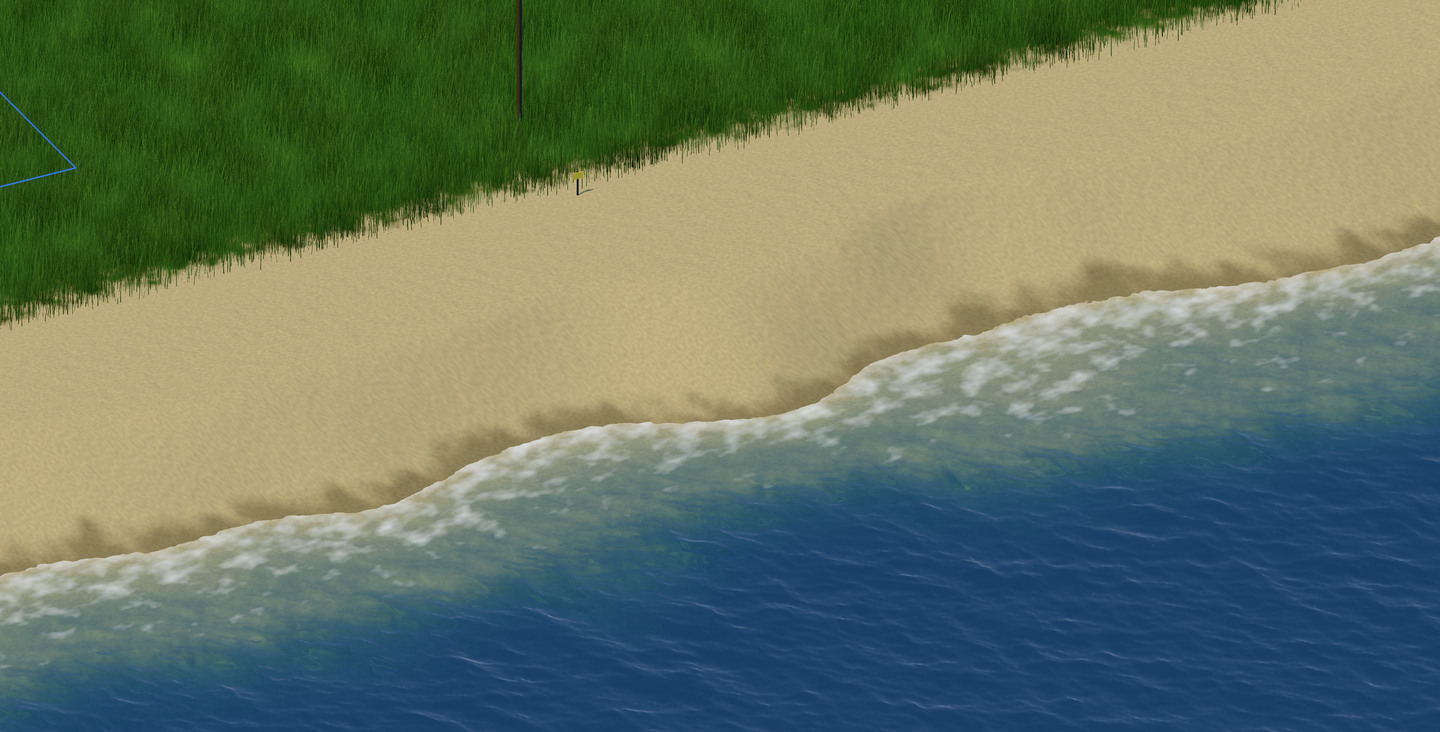
A shoreline with heavy white surf and small sandbars offshore.
A shore in heavy surf, with sandbars.
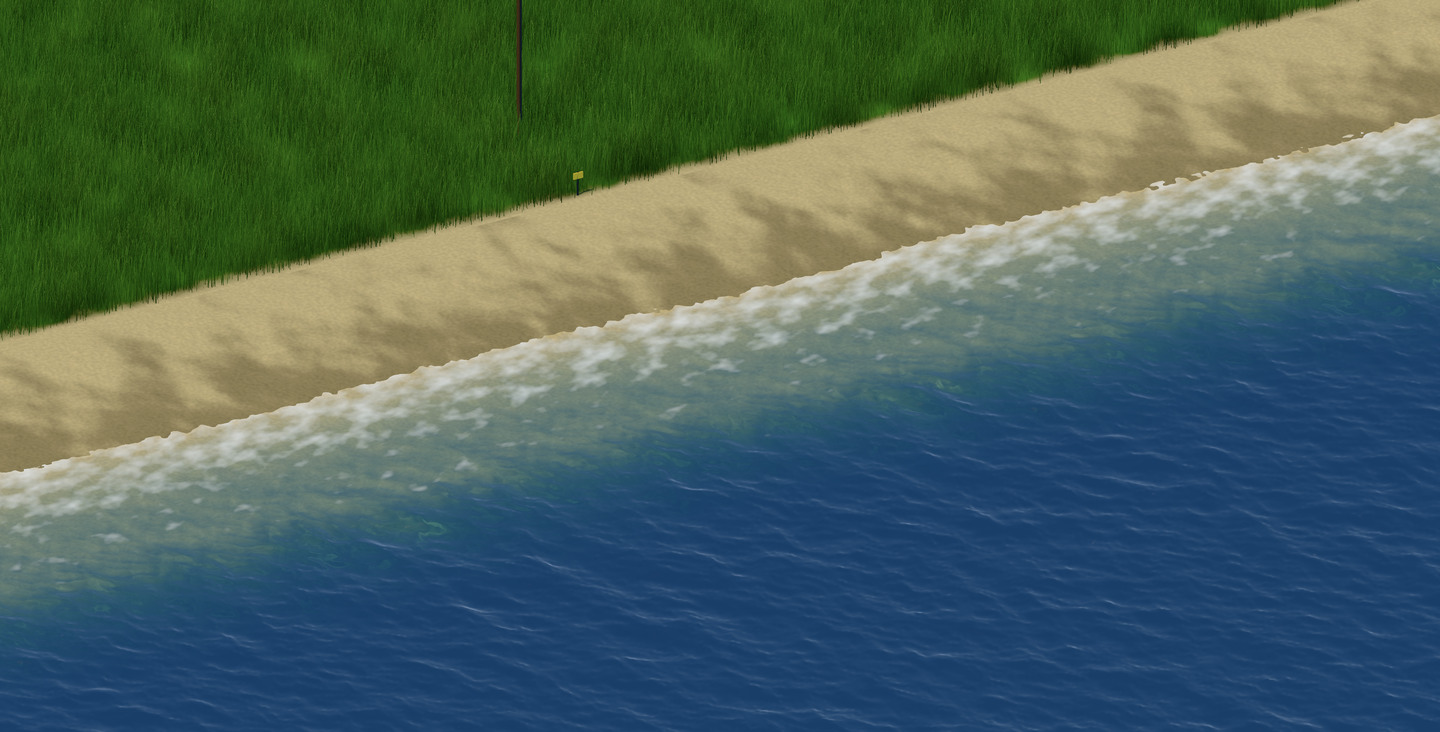
The same shoreline with a wide beach and a calmer sea.
The same shore with a calmer sea and a wide beach.
The same shoreline, curving in and out along a broad beach.
The same shore, winding.

The look

The city is drawn with Metal 4. Its art is new, modeled in 3D with physically based materials. The map scrolls and zooms continuously, by trackpad, mouse or keyboard.
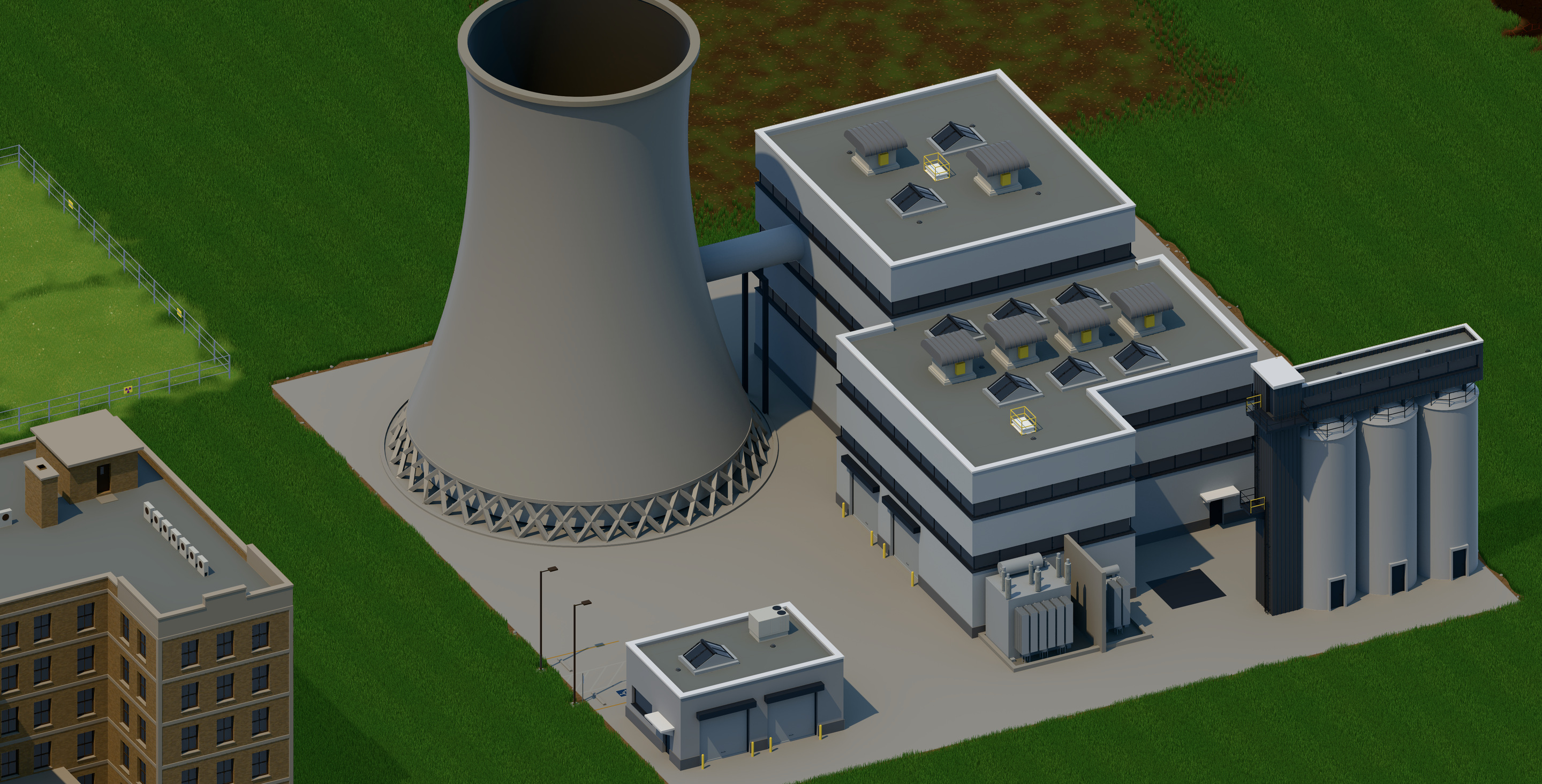
A power plant seen up close: a cooling tower, a reactor building with rooftop vents, a row of silos, transformers and a small gatehouse.
The power plant, up close.
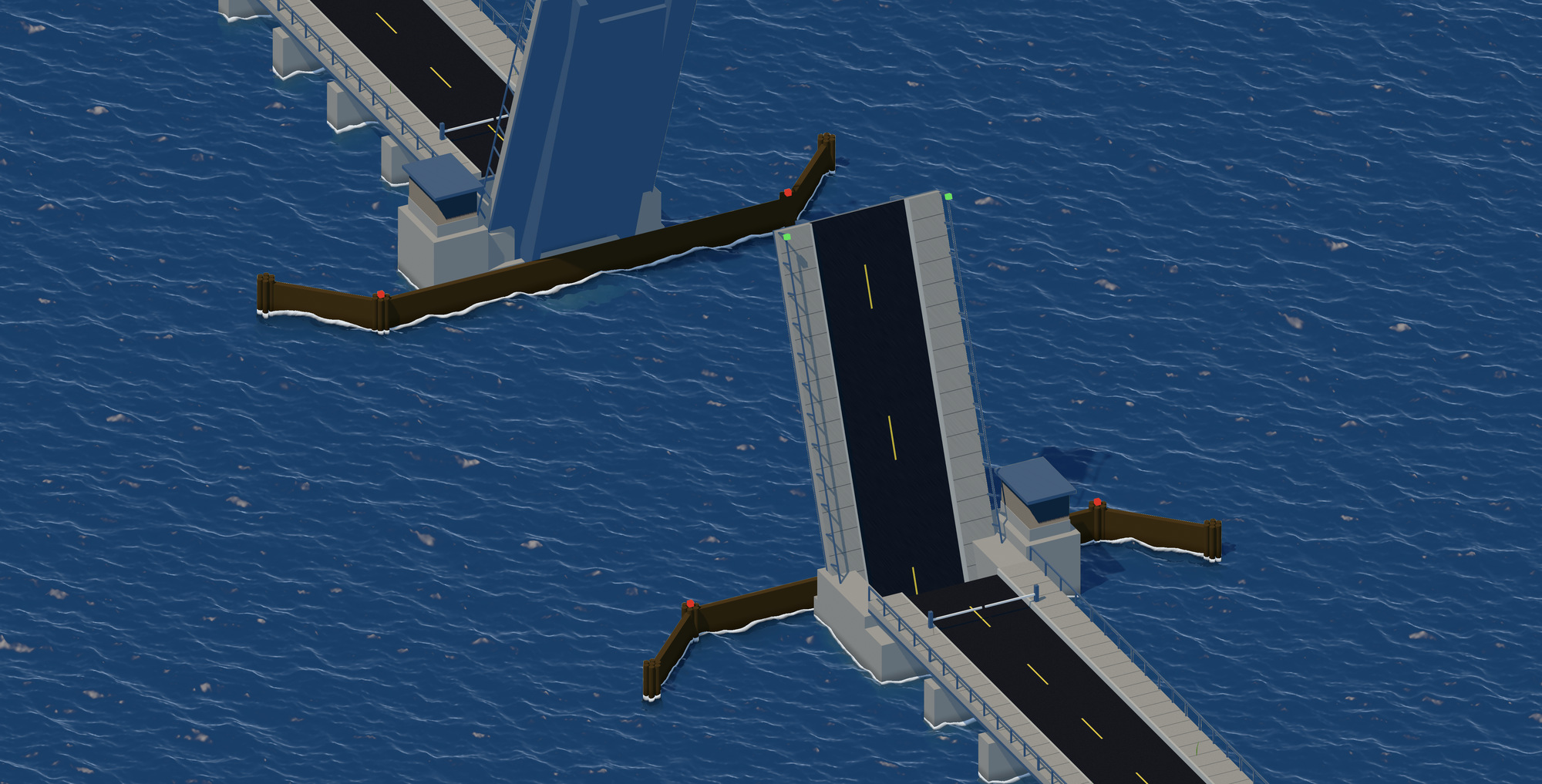
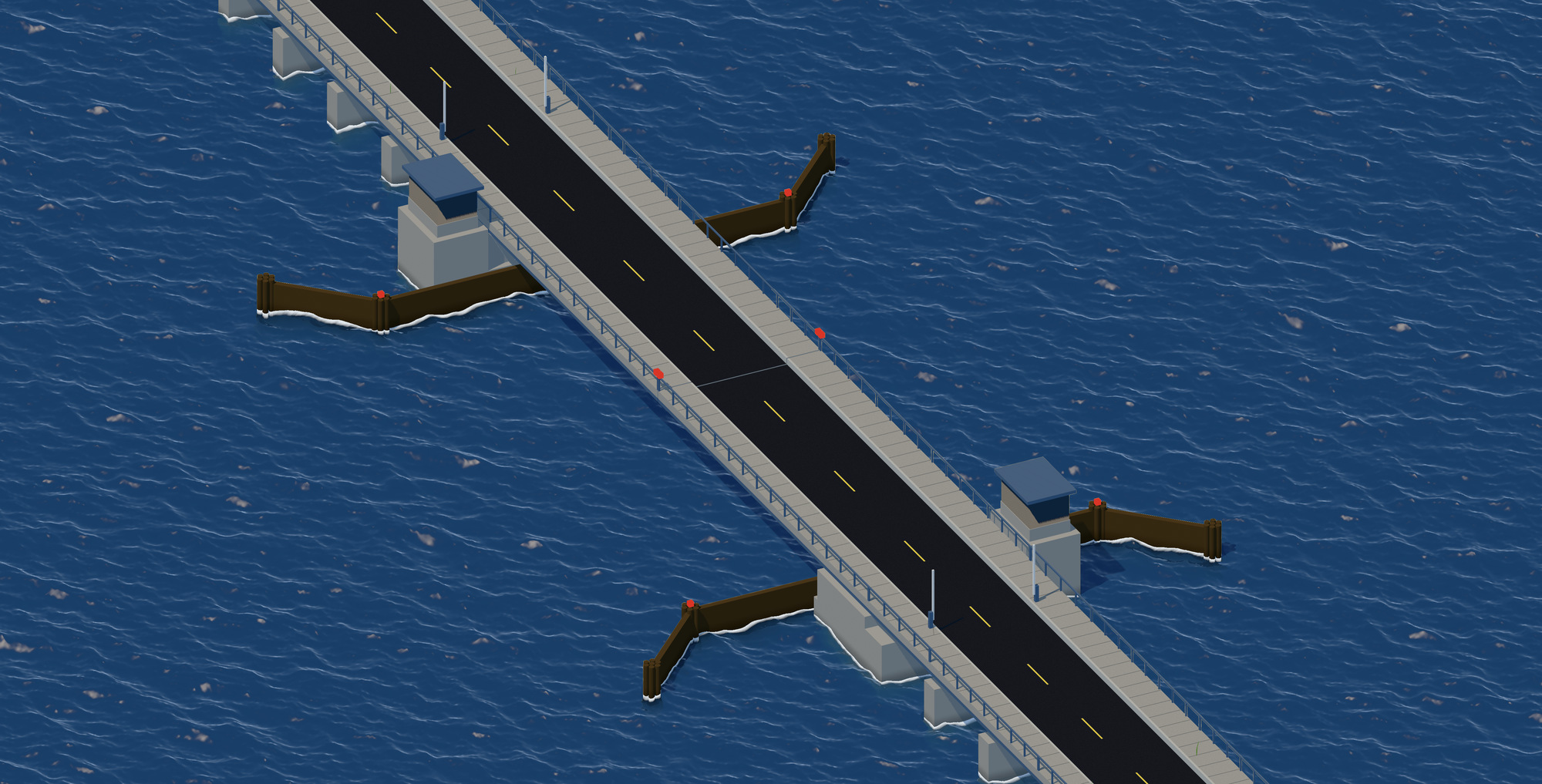
A road bridge across open water, its two leaves closed, with a control house on each pier.
A drawbridge, closed.
The same bridge with both leaves raised and the signal lights green.
The same bridge, raised.
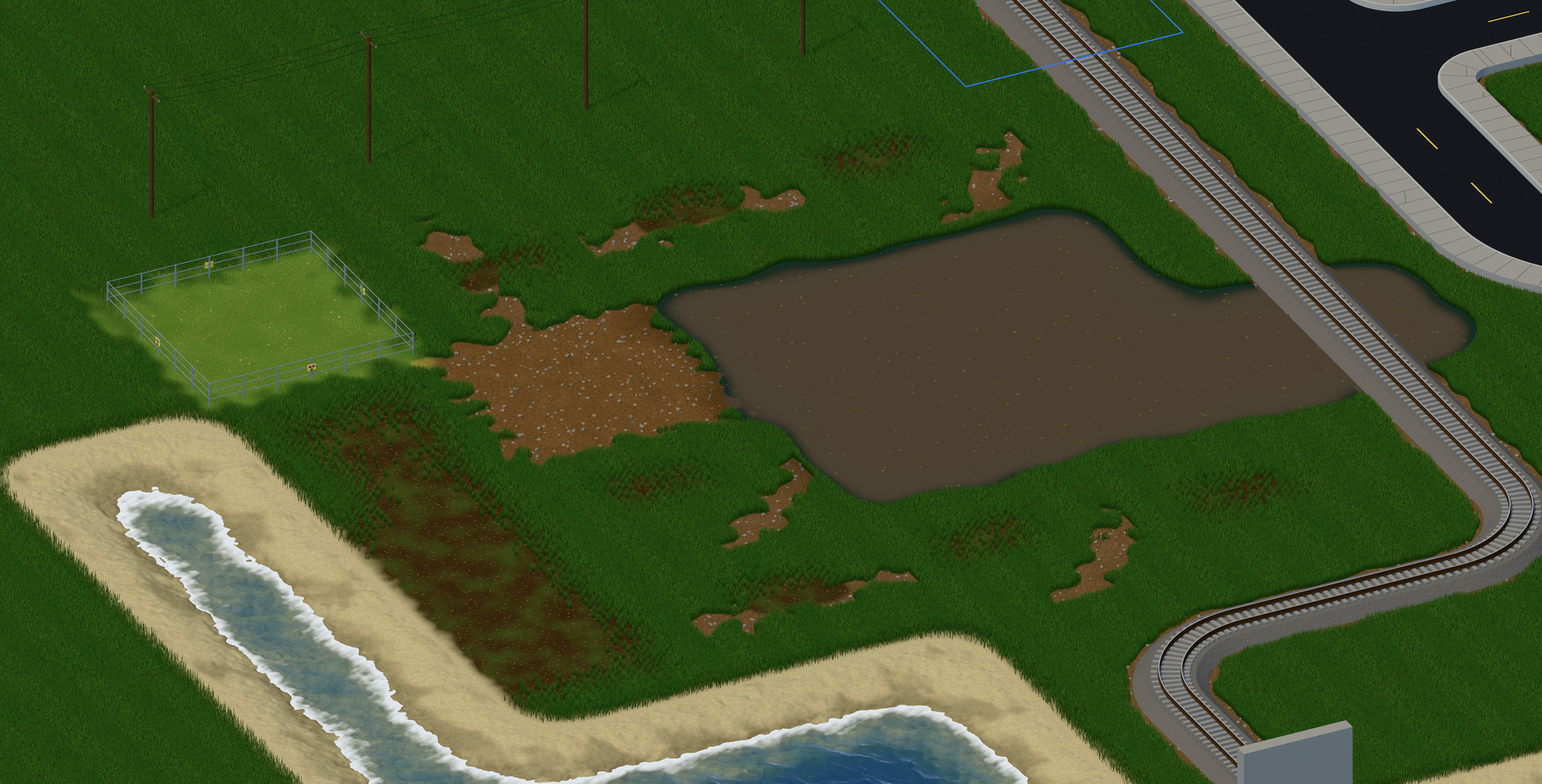
Open ground: grass, patches of bare soil, a muddy pond, a fenced field, a curving rail line and a sandy shore with surf.
Grass, soil, a pond, a rail line and a shore with surf.
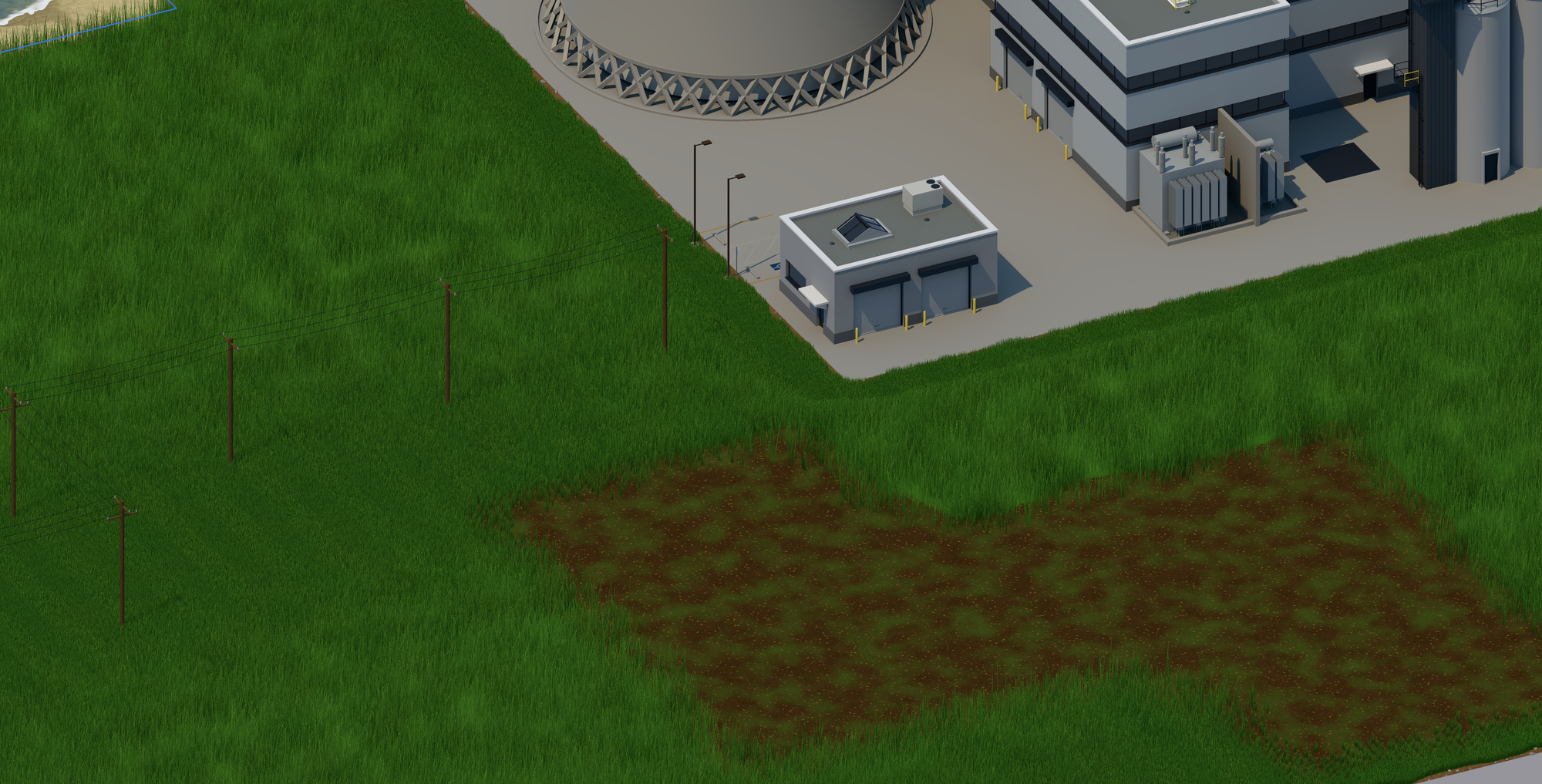
A close view of long grass and a patch of worn ground beside the power plant, with a line of power poles.
Closer still: blades of grass, and power lines on their poles.

Make it yours

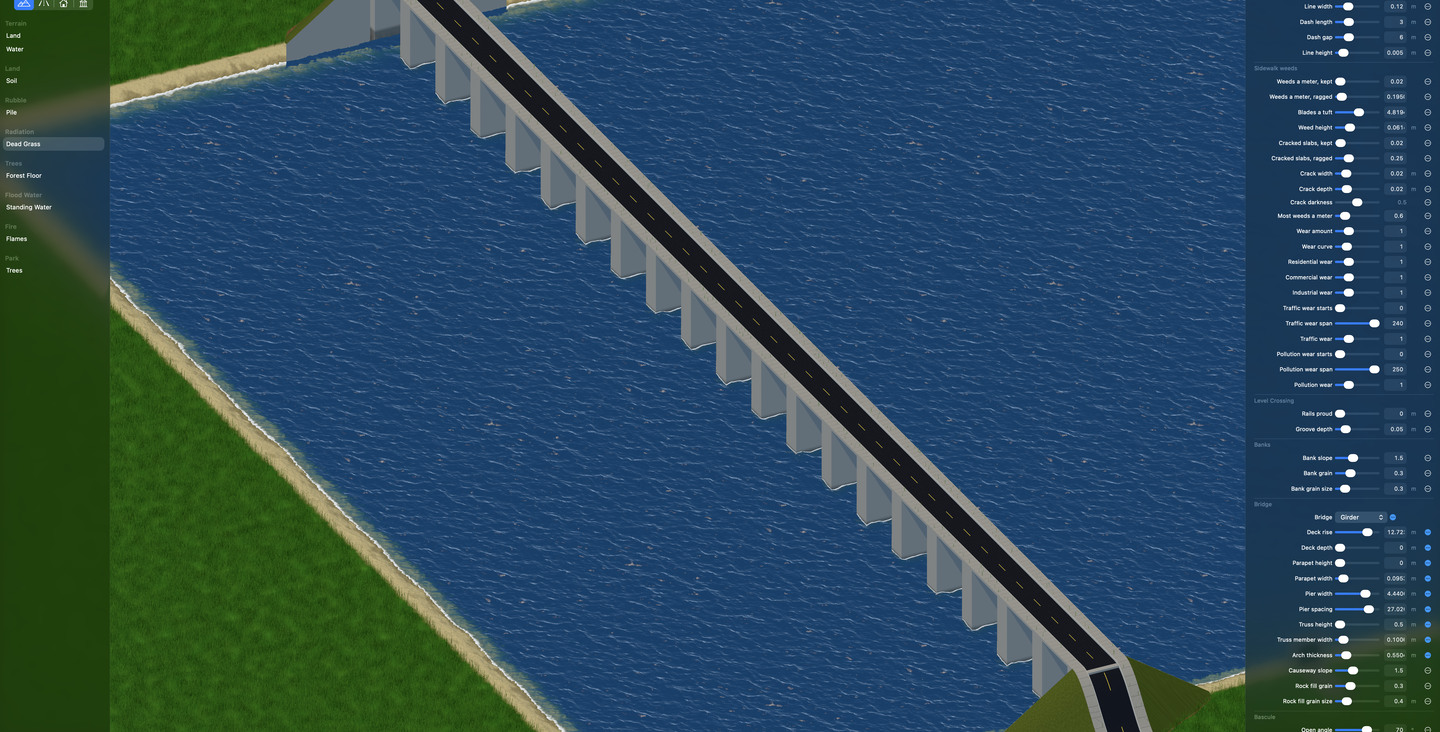
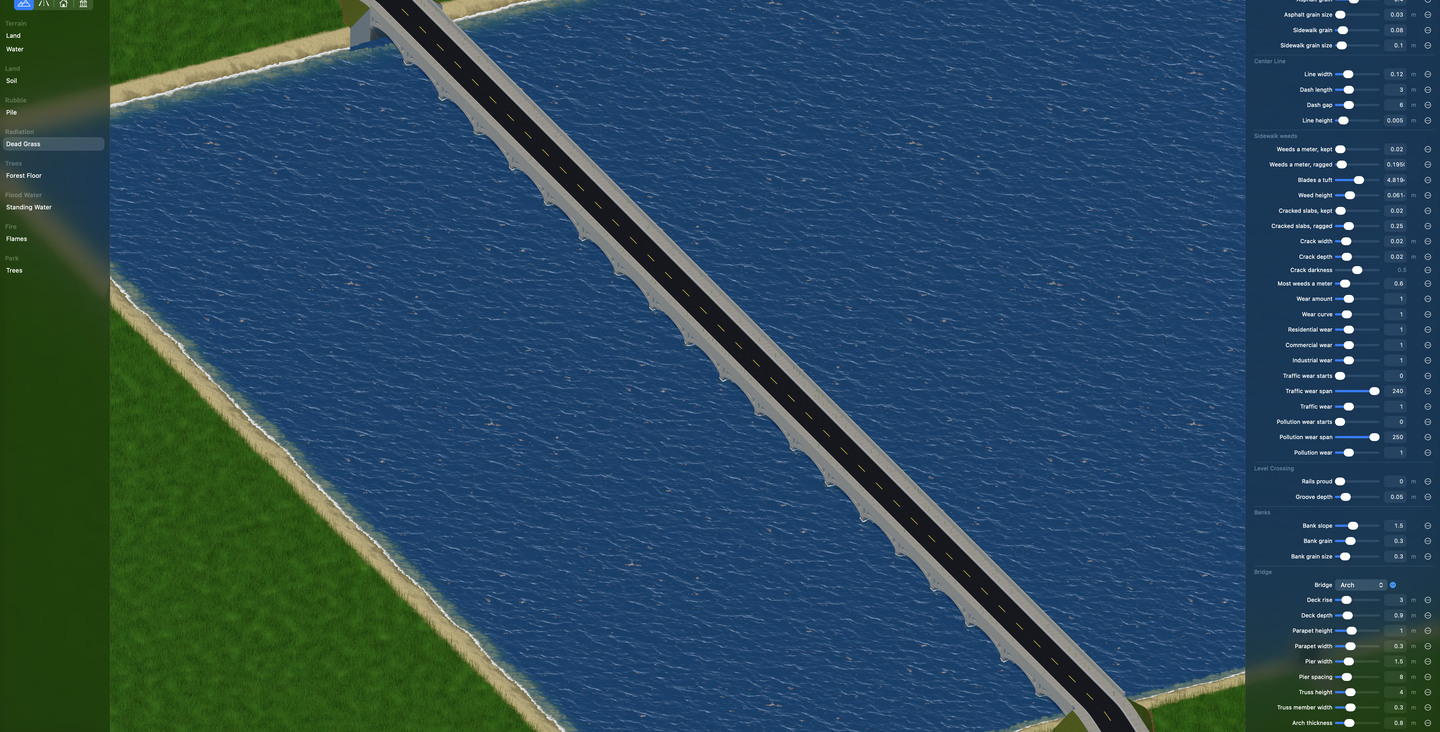
The look is also yours to change. The Environment Lab adjusts nearly all of the game's artwork while you watch. Here one crossing becomes three kinds of bridge, with the Lab's settings beside it.
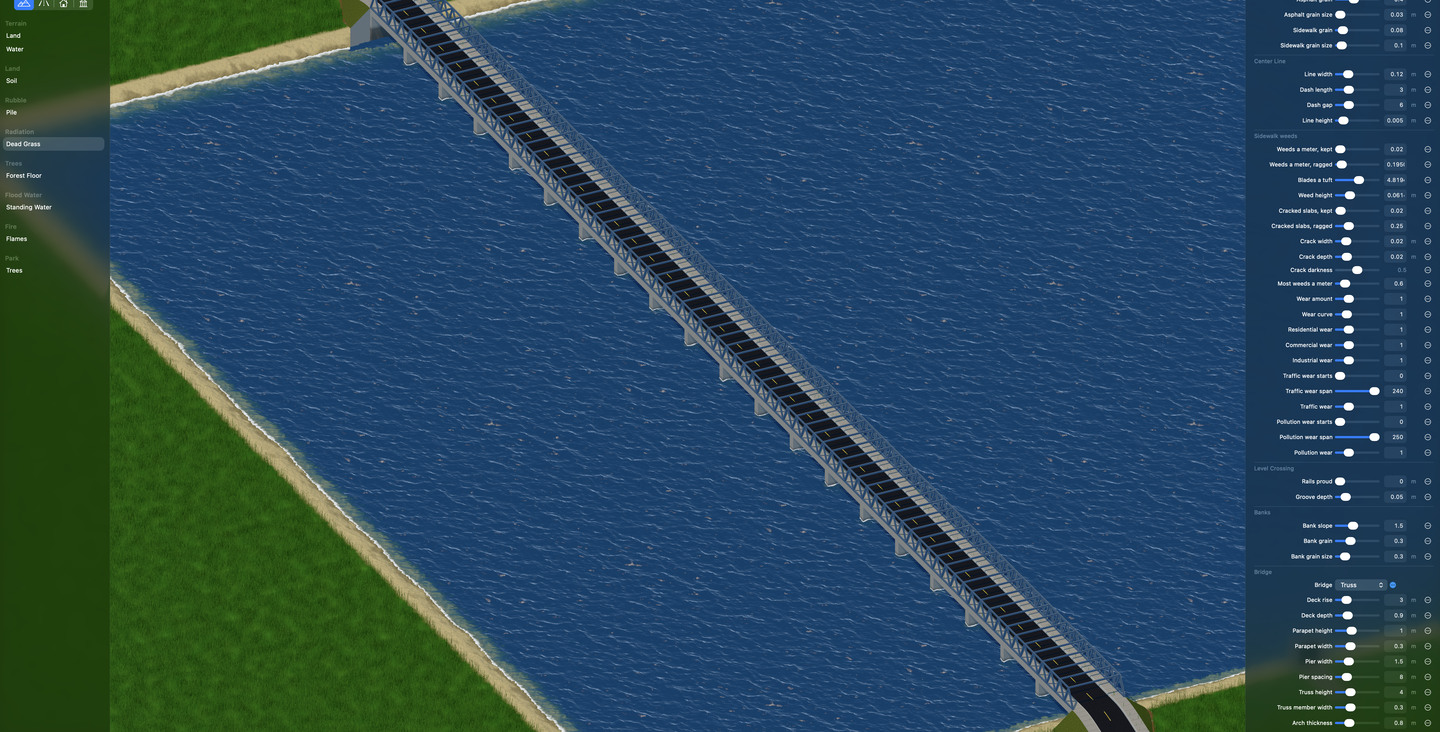
The Environment Lab: a steel truss road bridge crossing a wide river.
A truss bridge.
The same crossing, now a low arch bridge.
The same crossing as an arch bridge.
The same crossing, now a girder bridge standing on tall piers.
And as a girder bridge on tall piers.

The Mac app

MiniCity is a completely native app, designed and developed for macOS and Apple silicon. It is written in Swift 6 and SwiftUI and follows Apple's Human Interface Guidelines throughout. Each city is a document in its own window.

Every control is built to work with VoiceOver, with the keyboard alone and with the system's accessibility settings. Every word on screen is ready to be translated.

Where it stands

Working today

  • The simulation: terrain, zoning, budgets and disasters
  • Opening and saving cities, each in its own window
  • The Mac interface, with VoiceOver and keyboard access
  • The Metal 4 map, with its terrain, water, roads and first buildings

Still to build before 1.0

  • The rest of the art
  • The sounds
  • Refinement for every Apple silicon Mac, down to the 2020 MacBook Air
  • Mac App Store readiness

Built with

Platform
macOS 26 on Apple silicon
Language
Swift 6, with strict concurrency checking
Interface
SwiftUI and SF Symbols
Map
Metal 4
Simulation
A Swift package of its own: deterministic, and tested with Swift Testing
Developer
Michael G. Loiterman